Getting started: emoncms.org
Emoncms.org is our hosted Emoncms service. Use it for access from anywhere, public dashboards, or as a second copy of data you log at home.
Emoncms.org charges per feed, pay as you go. Hardware from the OpenEnergyMonitor shop comes with emoncms.org credit worth 20% of the purchase, designed to cover 5 to 10 years of use. See pricing.
To run Emoncms on your own server, see Install.
Create an account
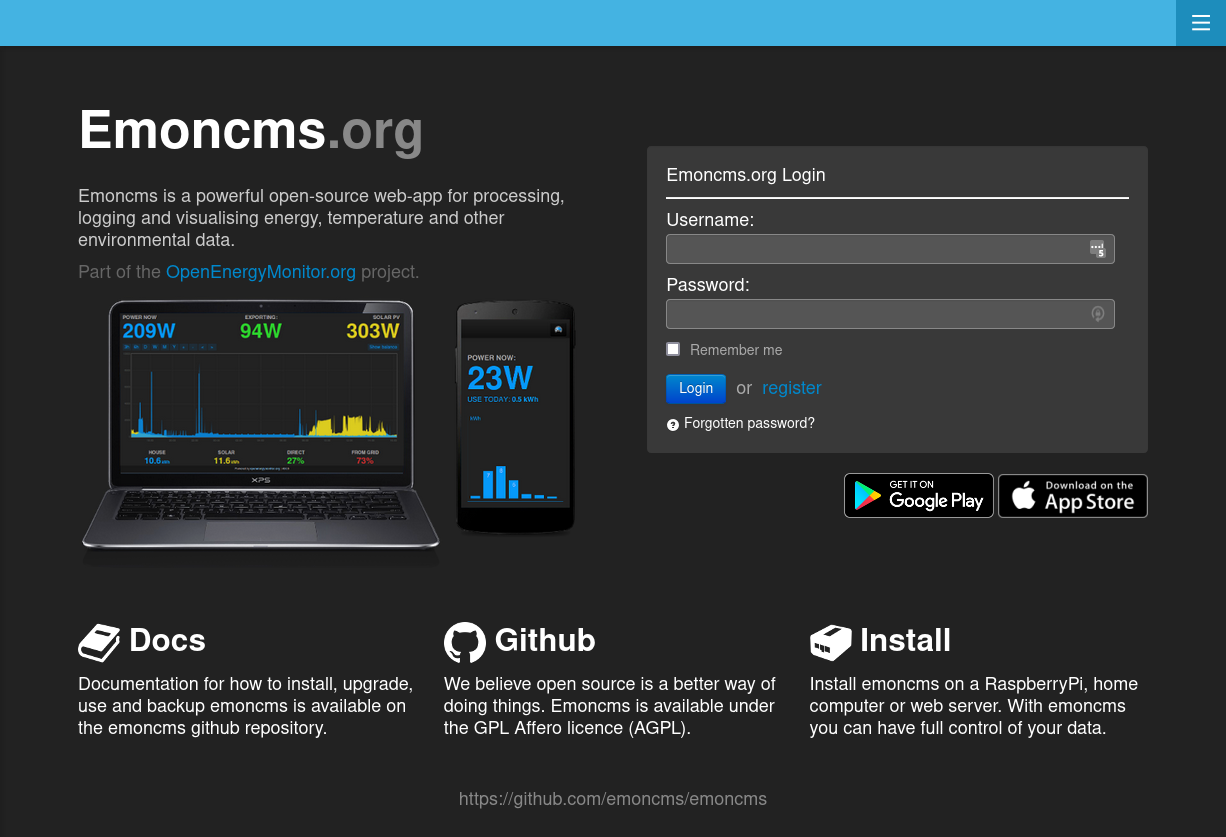
Open emoncms.org and click Register.
Enter your email address, a username and a password. You need to verify the email address.
Find your API key
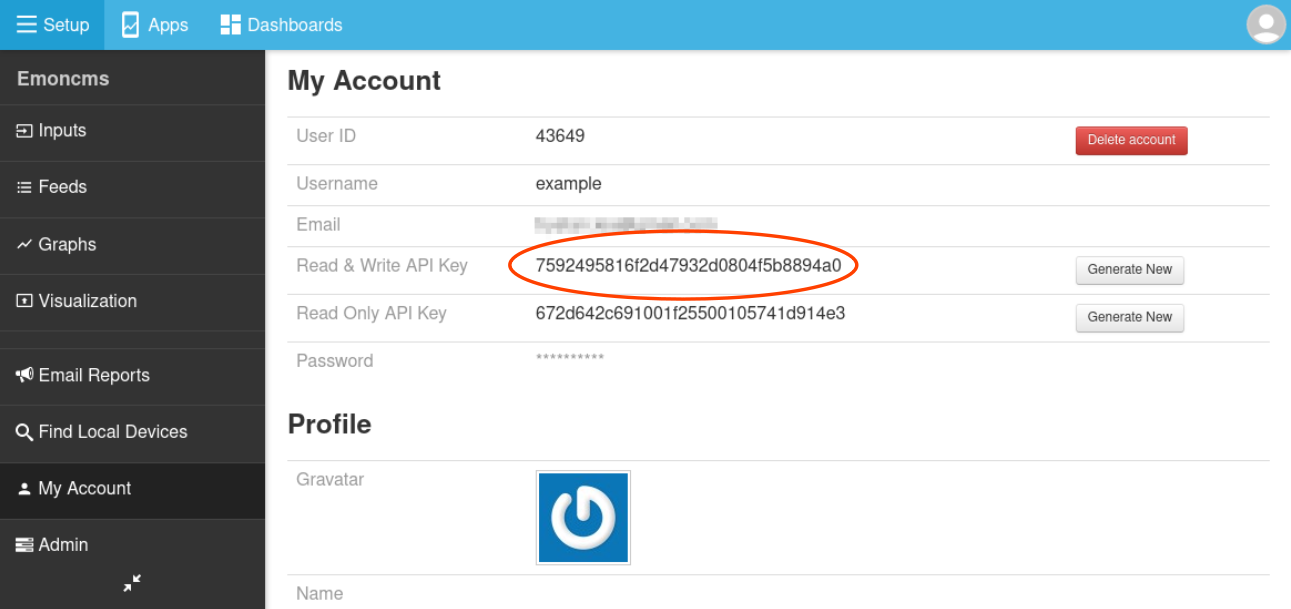
Devices and scripts use the Read & Write API Key to send data. Find it on the My Account page.
Send data
From an emonPi or emonBase: see Send data to emoncms.org.
From your own device or script: use the input API with your API key. See Posting data.
Set up feeds
Inputs appear on the Inputs page when data arrives. The rest of the setup is the same as on a local install:
Log inputs to feeds
Graphs
Apps
Dashboards
Virtual feeds are free on emoncms.org.